fbpx

Add Shared Mailbox to Outlook – Mobile Device

You are here:
  • KB Home
  • Add Shared Mailbox to Outlook – Mobile Device
Estimated reading time: < 1 min
In this article

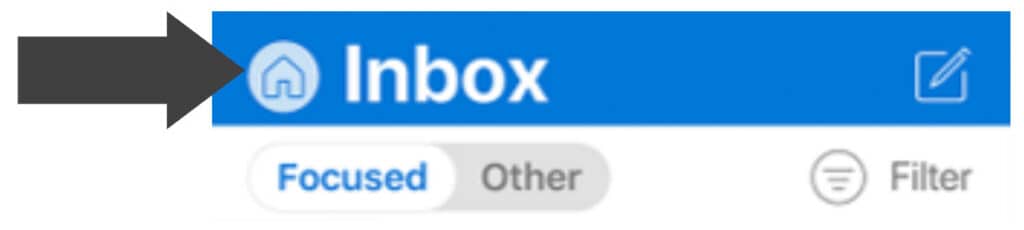
1. Press the Home Button located in the top left hand corner

2. Press the Cog Button in the bottom left hand corner

3. Press “Add E-Mail Account”

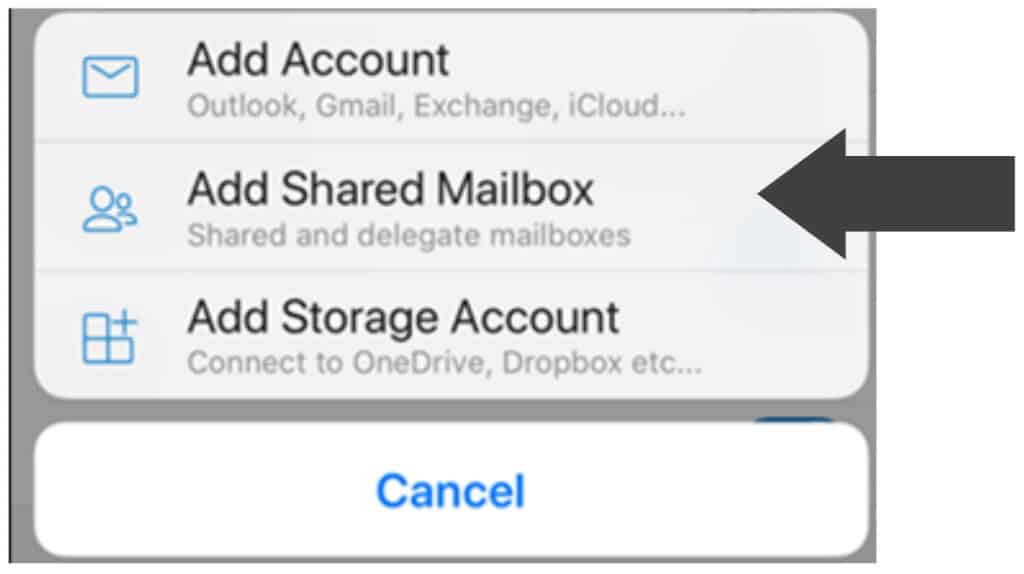
4. Press “Add Shared Mailbox”

5. Enter the Shared Mailbox E-Mail

6. When prompted for Password choose “Use Another Account”

7. Enter your E-Mail and Password

8. If details have been entered correctly the Mailbox will be added

Download PDF Here

Was this article helpful?
Dislike 0
Views: 7